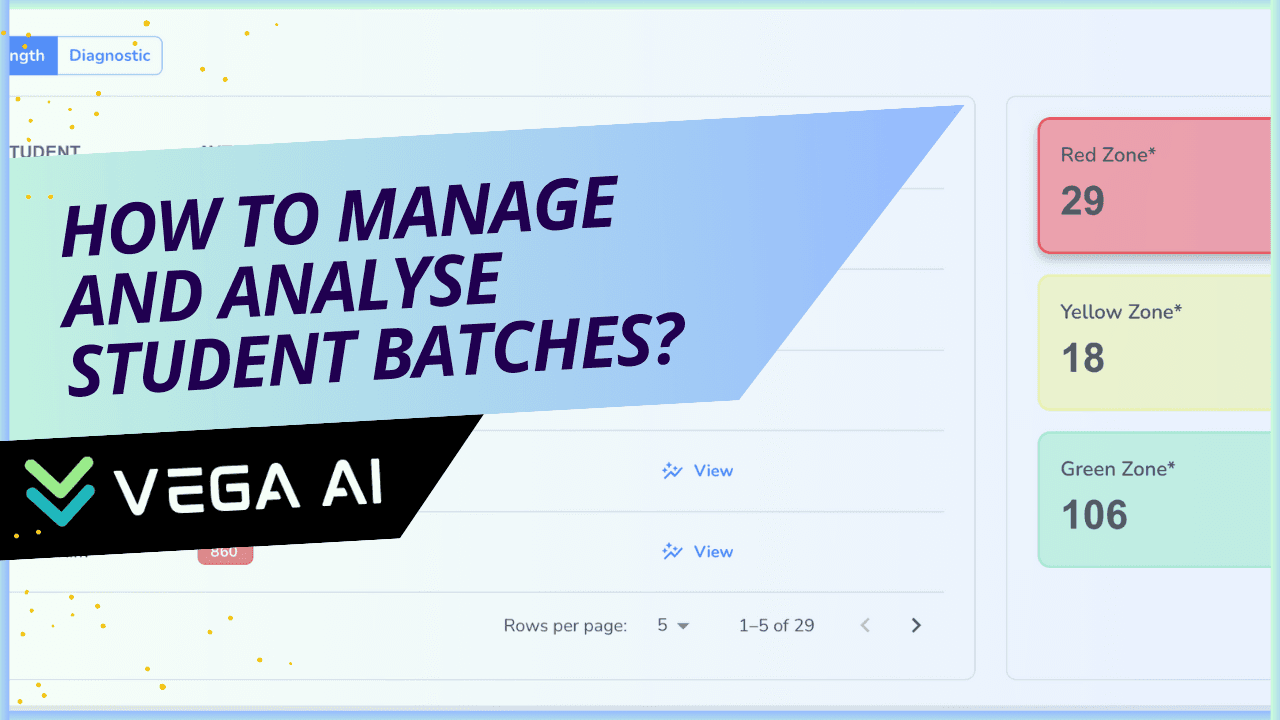
Welcome to the Batches feature of VEGA AI! Designed specifically for tutors and educational institutes, our Batches feature aims to revolutionize how you manage and monitor your student groups. This documentation provides a comprehensive overview of the Batches feature, including the latest enhancements and how they can streamline your administrative tasks and enhance your teaching effectiveness.
Introduction to Batches
The Batches feature in VEGA AI allows you to effortlessly create, manage, and monitor student groups. Whether you’re handling a small group or multiple large batches, this feature provides you with the tools you need to keep everything organized and focused on delivering quality education.
Key Features
1. Create and Manage Batches
Easy Creation: Set up new student batches with just a few clicks.
Comprehensive Management: Edit batch details, assign students, and monitor progress all in one place.
Segmentation: Organize your batches into categories such as currently active, completed, upcoming, and archived.
This helps you maintain a clear overview and focus on what’s important without administrative hassles.
2. Batch Analytics
Our Batch Analytics feature offers deep insights into student performance, making it easier to develop targeted strategies for improvement. Here are the key components:
Zones
Performance Segmentation: Automatically segment students based on their scores:
Weak (0-1000)
Average (1001-1200)
Excellent (1200-1600)
Predictive Analysis: Use these segments to predict outcomes and tailor your teaching strategies to address specific needs.
Frequency of Errors
Graphical Insights: Identify topics where students frequently make errors.
Predictive Analysis: Get a detailed breakdown for each subject, helping you pinpoint areas that need more attention.
Time Management
Efficiency Tracking: Analyze how well students manage their time on various topics.
Graphical Representation: Visualize time management skills to identify topics where students struggle with time allocation.
LQ Mastery Score
Comprehensive Scoring: View the average mastery score of the selected batch for each topic.
Test Types: Analyze scores from both full-length and diagnostic tests to get a holistic view of student proficiency.
Strength & Weakness Analysis
Detailed Reports: View the average mastery score of the selected batch for each topic.
Mastery Insights: Identify which students need more support in specific topics based on their mastery scores.
For Educational Institutions: An AI System to 3X Your Revenue
Generate leads and improve conversions, while reducing operational overheads - with VEGA AI
Benefits of Using Batches
Time-Saving: Reduce the time spent on administrative tasks and focus more on effective teaching.
Data-Driven Decisions: Make informed decisions based on comprehensive batch performance data.
Improved Outcomes: Tailor your teaching strategies to improve student performance and batch outcomes.
Getting Started
To get started with the Batches feature, watch our introductory video and follow the step-by-step guide below:
Creating a Batch: Navigate to the Batches section. Click on “Create New Batch” and fill in the required details. Assign students to the batch and save.
Managing Batches: Edit batch details, view student lists, and monitor progress. Use the segmentation feature to categorize your batches.
Analyzing Batch Performance: Access Batch Analytics to view detailed performance data. Use the insights provided to adjust your teaching strategies.
Save weeks of manual work—generate complete syllabus, question banks, and assessments in minutes with VEGA AI.
By utilizing the Batches feature, you can enhance your teaching efficiency, gain valuable insights into student performance, and ultimately help your students achieve better results. Explore the full potential of VEGA AI’s Batches feature and take your educational management to the next level, Book a demo today.